
What is Cannot Read Property of Undefined?
Imagine you have an empty box, and you’re trying to take out something important from it, but you can’t, because the box is empty.JavaScript works the same way. When you try to get something from a variable that has nothing inside it (called undefined), JavaScript basically says:
Cannot Read Property of Undefined
“There’s nothing in the box. What exactly are you trying to grab?” That’s why you get this error.
I’ve encountered this error countless times in my projects,and I know how annoying it can be when your code breaks because of it.The best part is It’s usually easy to fix once you understand what’s causing it.I’ll show you exactly how to fix this error with 5 proven solutions that I’ve personally tested. Each solution includes working code examples that you can copy and use right away.
Error Message Variations:
TypeError: Cannot read property ‘name’ of undefined
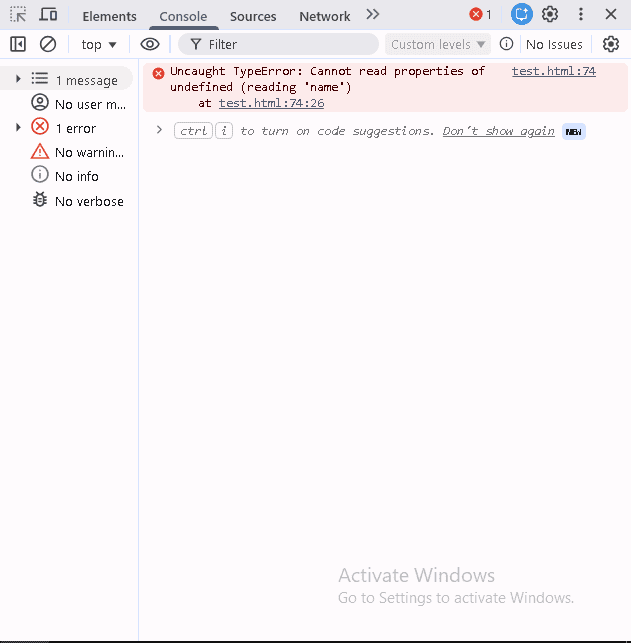
TypeError: Cannot read properties of undefined (reading ‘name’)
Uncaught TypeError: Cannot read property of undefined
What Causes This Error?
- This error happens when:
- You try to access a property on an undefined variable
- An API returns undefined instead of expected data
- You access an array element that doesn’t exist
- An object property hasn’t been initialized
- Asynchronous data hasn’t loaded yet
Quick Example:
let user;console.log(user.name);
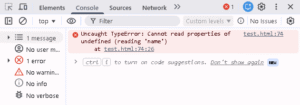
- Why error?
- We’re trying to get .name from empty
- JavaScript says “I can’t get name from nothing!”
5 Easy Solutions:
Solution 1: Check Before Using
let user;console.log(user.name);
let user;if (user) {console.log(user.name);} else {console.log(“User is empty”);}
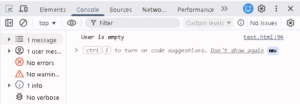
- What happens: No error! It says “User is empty”
Solution 2: Use Question Mark (Modern Way)
let user;console.log(user.name);
let user;console.log(user?.name);
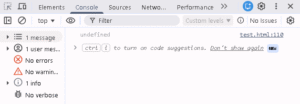
- What ?. does:
- Checks if user exists
- If yes, gives user.name
- If no, gives undefined (no error!)
- When to use: If you know modern JavaScript (2020+)
Solution 3: Give Default Value
user;console.log(user.name);
user = user || { name: “Guest” };console.log(user.name);
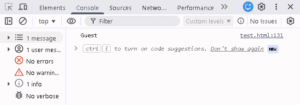
- What happens: If user is empty, use default “Guest”
- When to use: When you want a backup value
Solution 4: Catch the Error
let user;console.log(user.name);
let user;try {console.log(user.name);} catch (error) {console.log(“Error happened!”);}
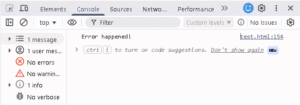
- What happens: Error is caught, code doesn’t break
- When to use: When you’re not sure what data you’ll get
Solution 5: Check Type First
let user;console.log(user.name);
let user;if (typeof user !== ‘undefined’) {console.log(user.name);} else {console.log(“User doesn’t exist”);}
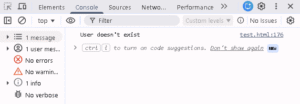
- What happens: Checks if user exists first
- When to use: For extra safety
Real world example:
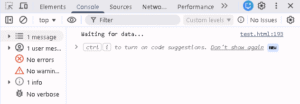
let data;if (data && data.user && data.user.name) {console.log(data.user.name);} else {console.log(“Waiting for data…”);}
let data;console.log(data?.user?.name || “Loading…”);
How to Avoid This Error
let user = null;
if (person) {console.log(person.name);}
console.log(data?.user?.name);
FAQ
Quick Cheat Sheet
- When you see this error:
- Find which line has the error
- Look for .something
- Check what’s before the dot
- That thing is probably undefined
- Add if check or ?.
Quick fix template:
if (object) {console.log(object.property);}
console.log(object?.property);
Summary
- Check with if – safest
- Use ?. – modern and clean
- Give default values – prevents error